3Dvenue-CMS

What's different from
existing CMSs?

The more you use it,
the freer you become.

Templates are materials.
Structure is yours.

Once you get it, it becomes your own CMS.

This CMS was born from the developer’s desire to create the most intuitive CMS possible.
It is flexible, eliminates unnecessary HTML, runs with only minimal CSS, is easy to migrate, requires no database configuration, and above all, eliminates waiting time for visitors.
It feels like an extension of a text editor designed specifically for the web.

Every project becomes a new template.
Every improvement becomes part of your workflow.
Over time, 3Dvenue-CMS grows into a CMS that's uniquely yours.

What Can You Do?

Not for everyone. For professionals.
Built for developers who want complete control.
Rules exist. But breaking them won't break your site.
Freedom comes first.
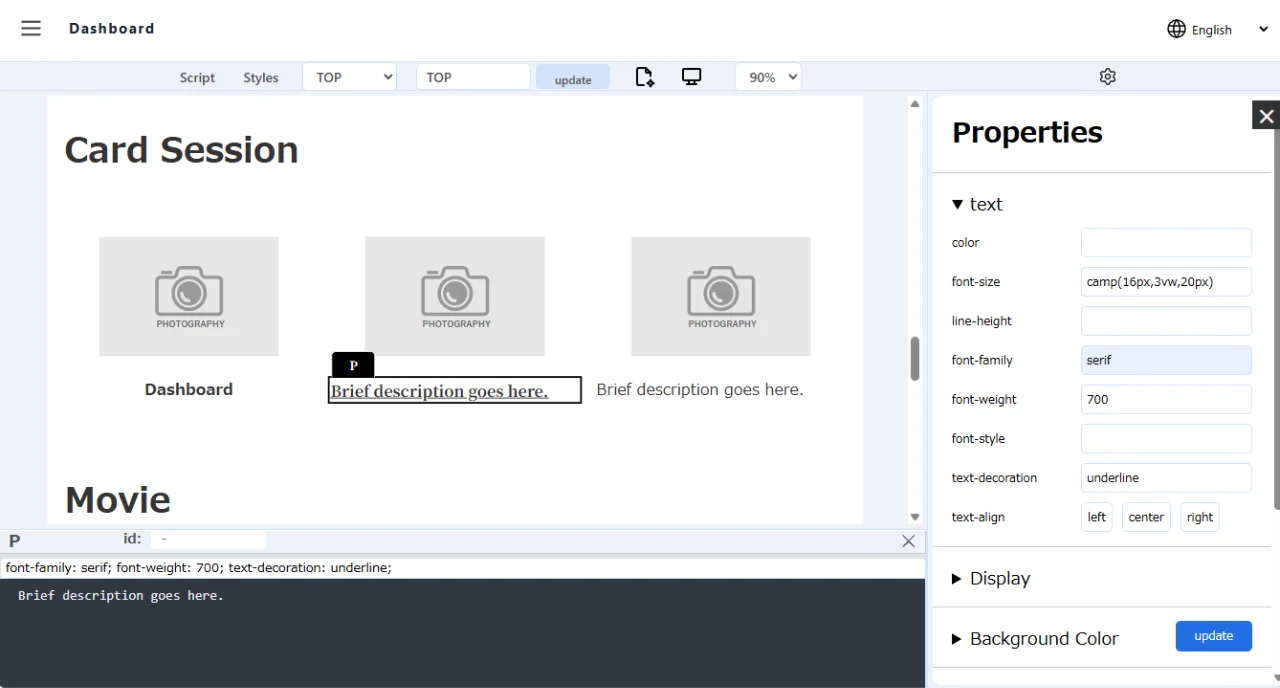
No Select Boxes. Direct Input.
Type CSS values directly.
No Database Setup.
SQLite works automatically.
Install Anywhere.
No configuration after moving your site.
Three Ways to Edit.
Visual, HTML, or Properties.
Built-in MP3 & GLB Support.
Upload and use them immediately.
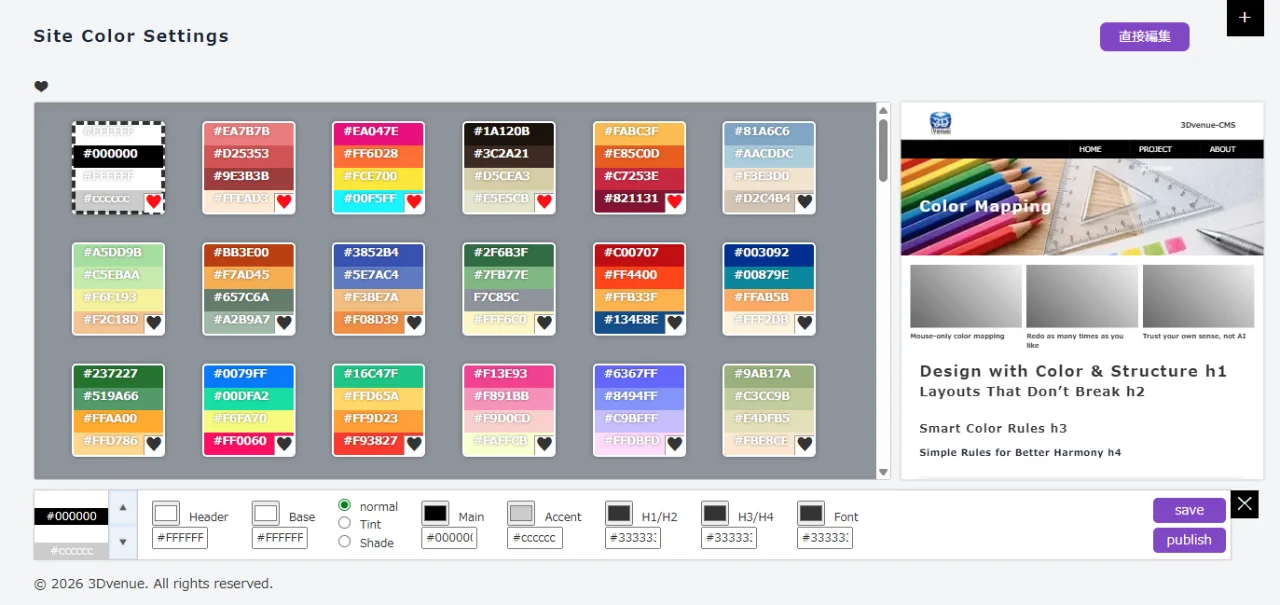
No More Color Guesswork.
A built-in color palette that stays in harmony.
No Pre-made Parts. Build Your Own.
Create exactly what you need.
Minimal HTML Templates.
Only the HTML your page actually needs.
Find Image Usage Instantly.
Click an image to see where it's used.
Drag Navigation with Children.
Move parent and child items together.
Built-in Table Editor.
Create tables without writing HTML.
No Third-party Analytics.
Simple analytics included.
Download in 10 Seconds.
From GitHub to your editor.
Use What You Want. Ignore the Rest.
You're in control.

Feature Pick‑up Gallery

Direct Input UI

Color Palette
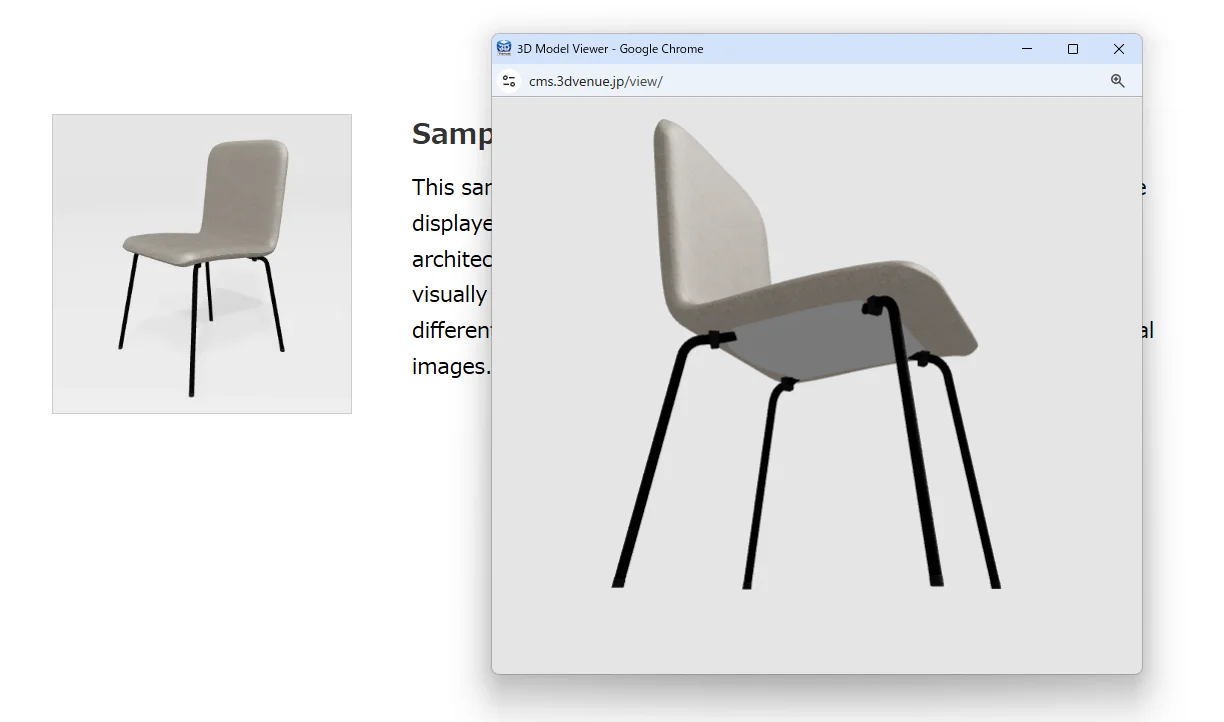
GLB Model Viewer
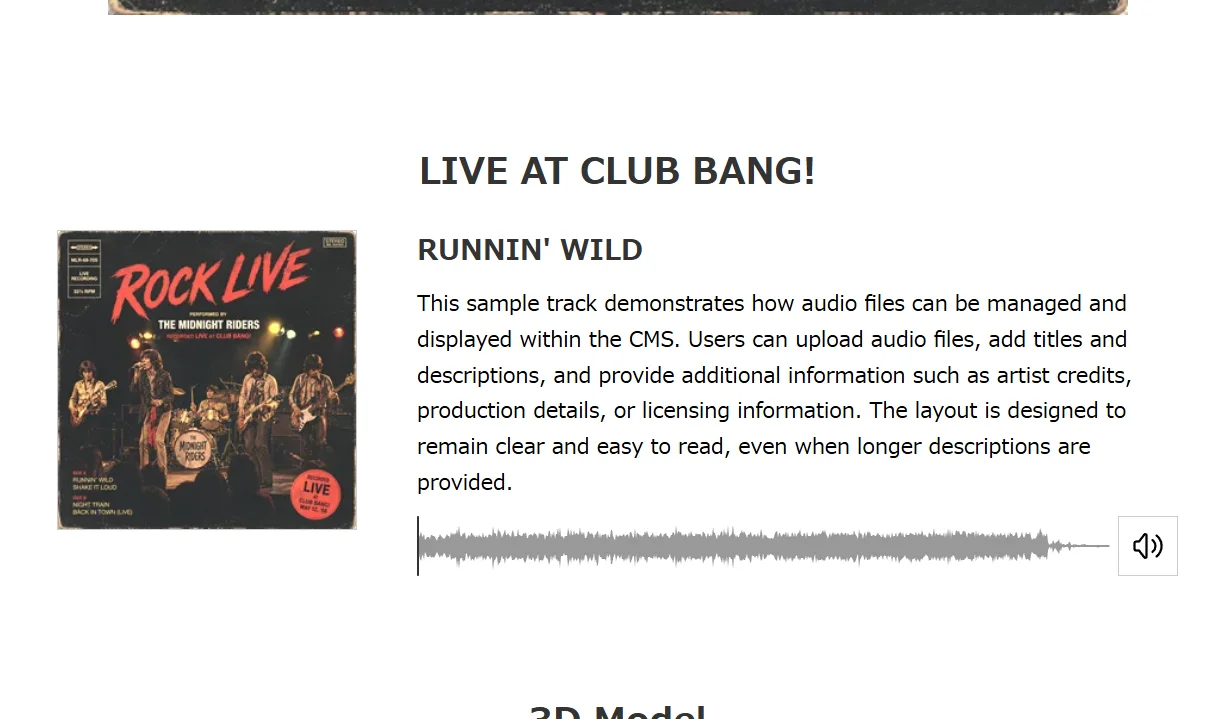
MP3 Player
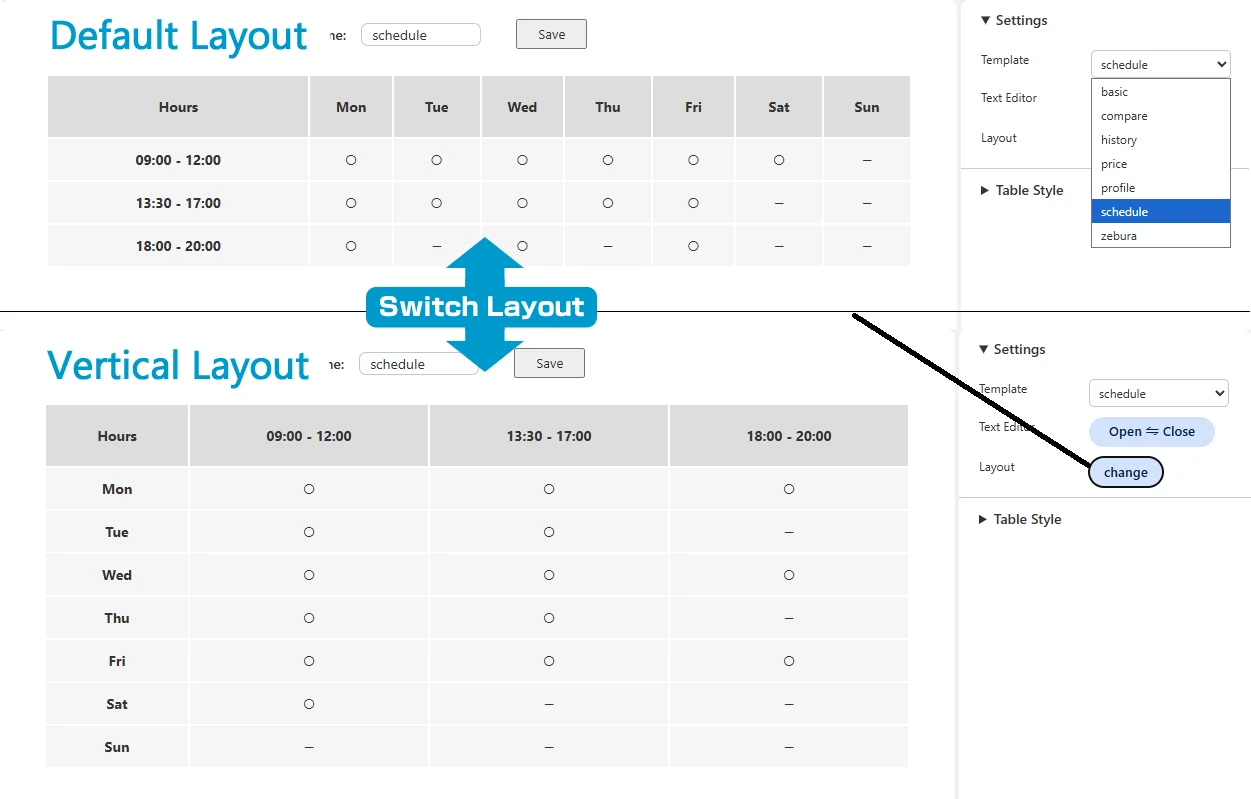
TableEditor
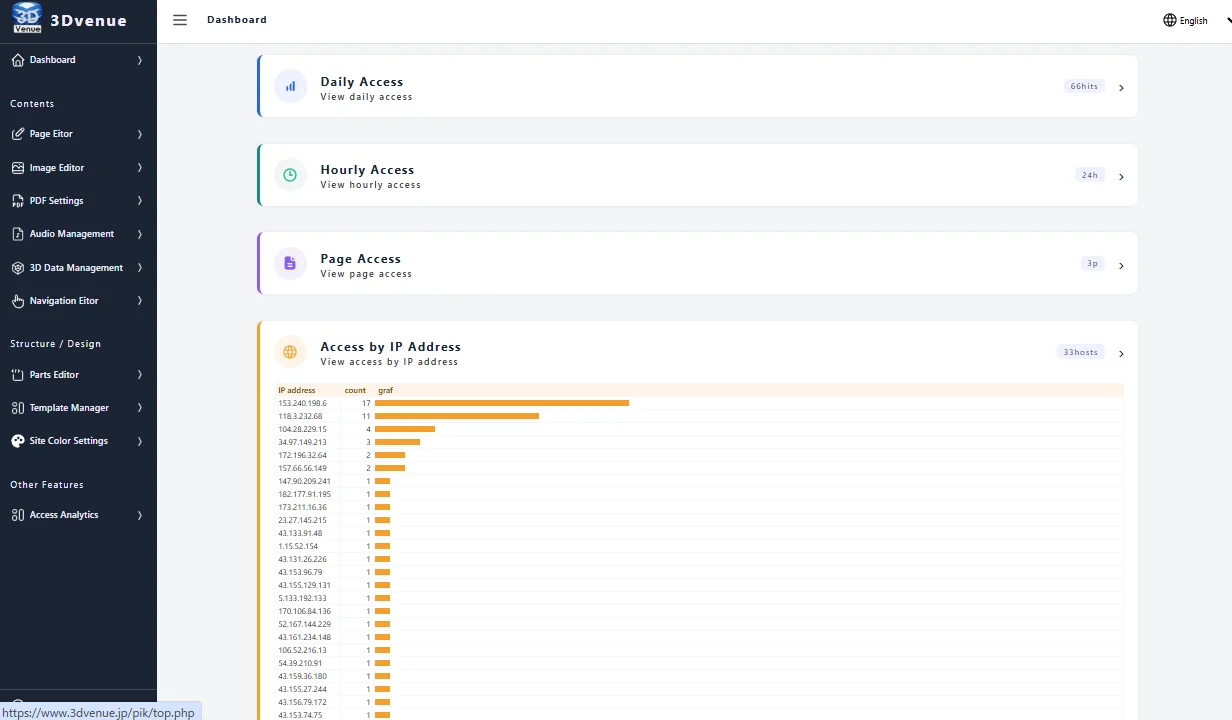
Access analysis

What's Next?

Per-page templates
Choose a different layout for each page, such as a landing page, two-column page, or standard page.
Multiple color palette export
Generate and save multiple color themes for easy comparison and switching.
Automatic image cropping
Crop images to match each layout while keeping them optimized for PageSpeed Insights.
Better Table Editor
Tab key navigation between cells and a dedicated Undo feature.
Section Move Buttons
Sections can already be moved with Ctrl + Arrow Keys.
I'll add visible buttons in the next version because... I simply forgot. 
Version 2.0 is already in my head...
I'm just not ready to talk about it yet.